Want to sell your books?
At PangoBooks our goal is to make it as easy as possible to sell your books to other readers. Just download the app, follow a few simple steps, and in just a few minutes, your books will be in front of our amazing community of book lovers.

Earn cash for your books
Other readers want the books you're probably not going to read again. Selling on PangoBooks is like opening your own little book shop. Transfer your earnings as cash or earn a 5% bonus if you use them to buy more books!
Simple shipping
Get pre-paid labels sent right to your phone when you sell. Skip the line at the post office and take the guesswork out of shipping!
A+ customer service
The PangoBooks support team takes care of all the customer service for your orders. And if you need any help while selling, you can talk to a real person who loves books as much as you do!
How to sell your book
See our in-depth guide on everything you need to know about selling books online.
Download the PangoBooks app
Our book-selling feature is only available in the app. You can get it on the App Store or Google Play. Sign up for an account, and you are ready to start!
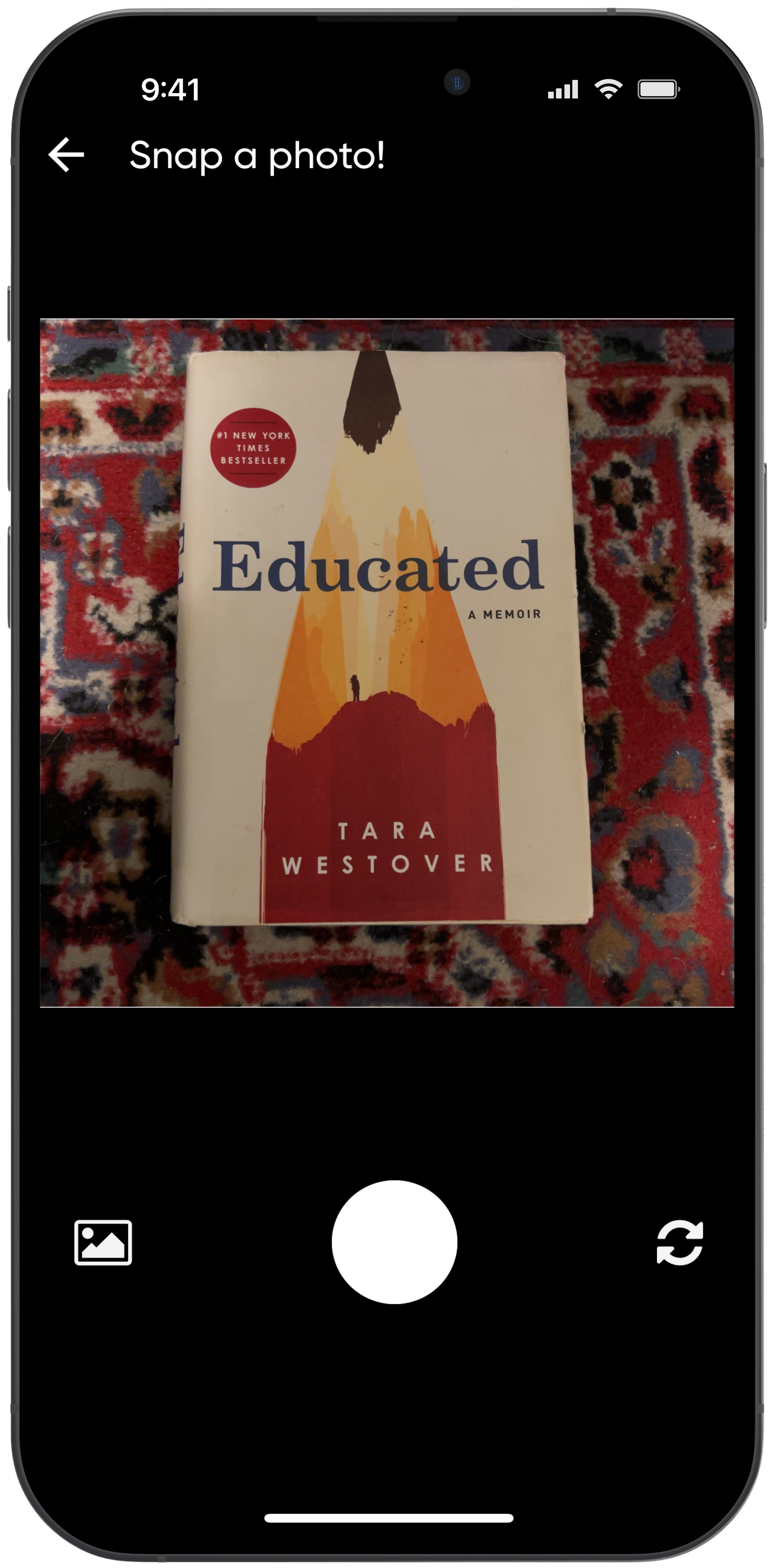
Take a photo of your book
Hit the Sell button at the bottom of the app. A camera will appear. Snap a photo of the cover of your book.
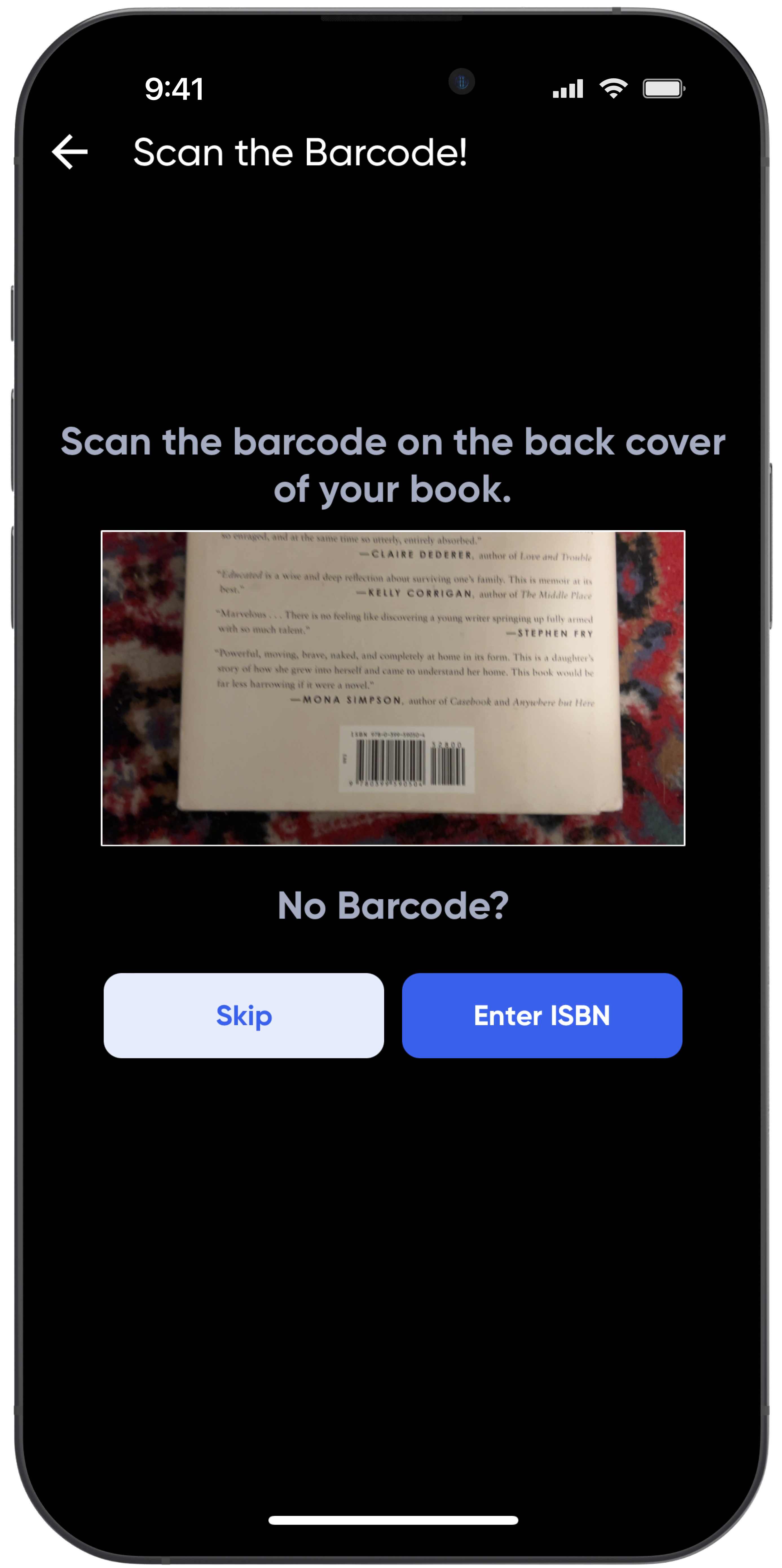
Scan the barcode
Scan the barcode on the book and the app will fill in all the details it can find. This makes the listing process even quicker!
No barcode? No problem! You can fill out the details manually.
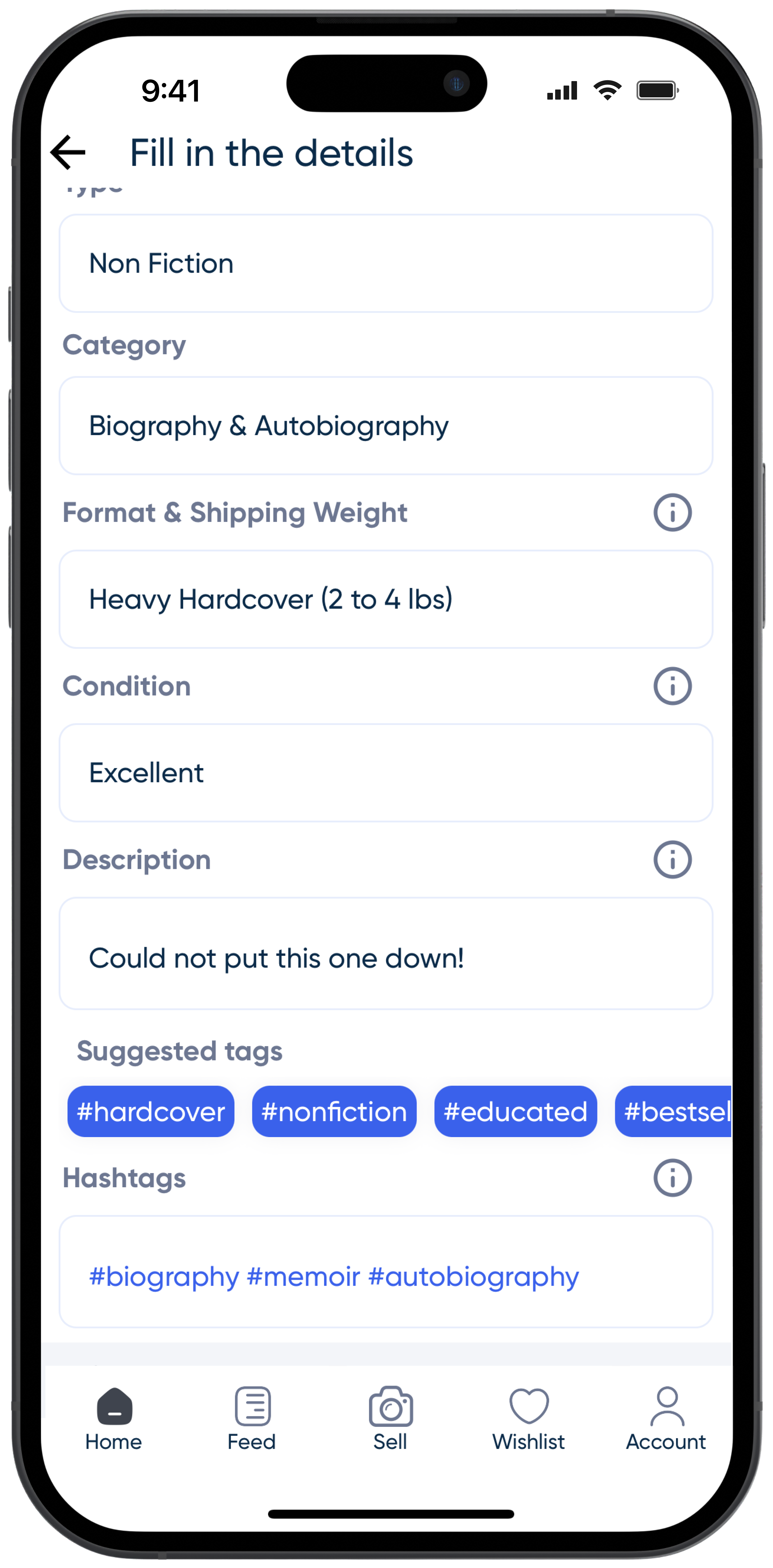
Add some details, choose a price
Next, you'll be asked to add a few final details about the book, some hashtags to help people find it, and finally, your selling price.
For tips on pricing books on PangoBooks, check out this blog post.
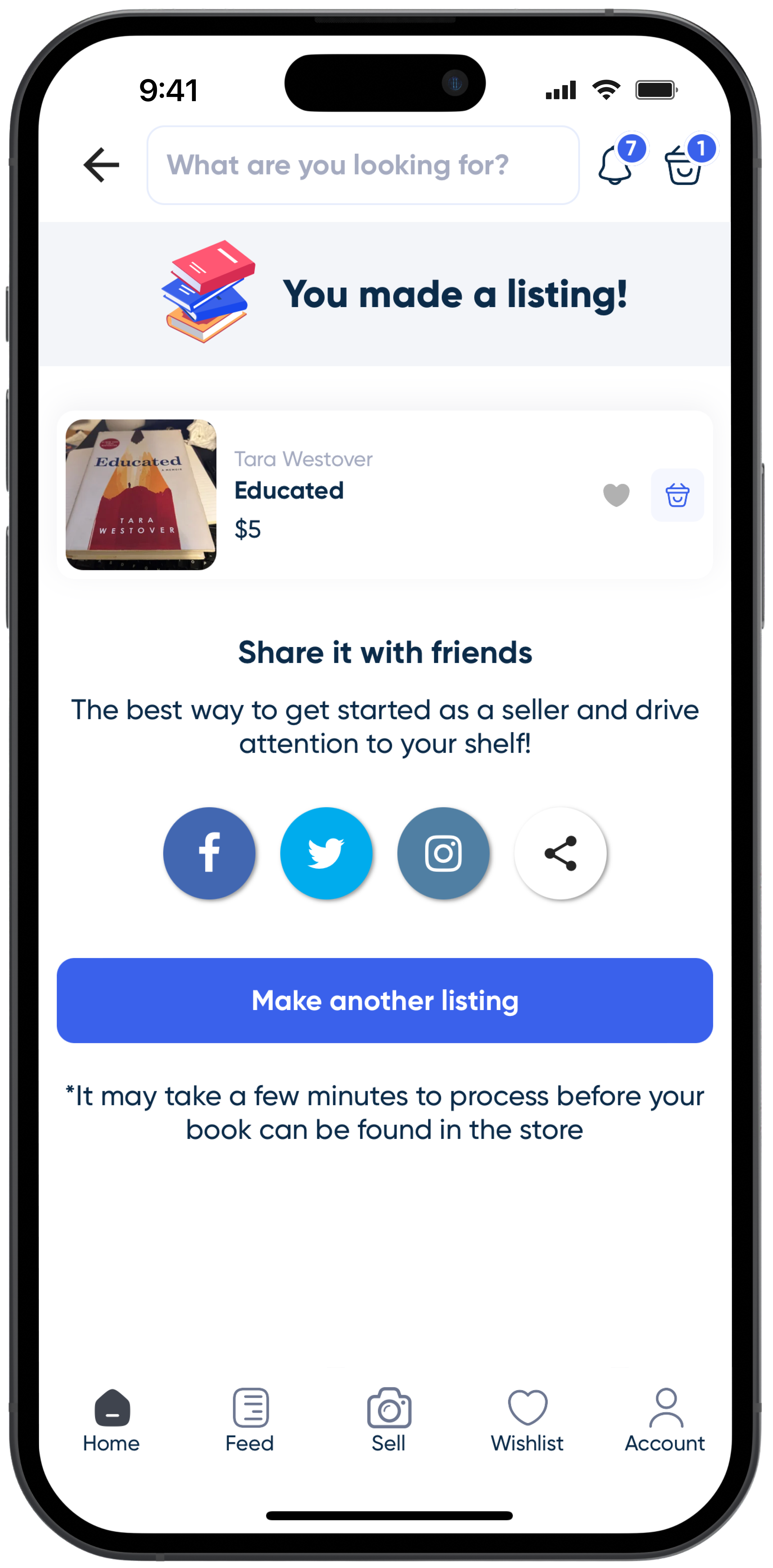
List and share
Submit your listing and your book will be in front of the thousands of other readers. You can list as many books as you like for free—we only ever charge a fee for the books that sell.
After you list, we encourage you to share PangoBooks with your friends. You will have your own link to your bookstore that you can share.
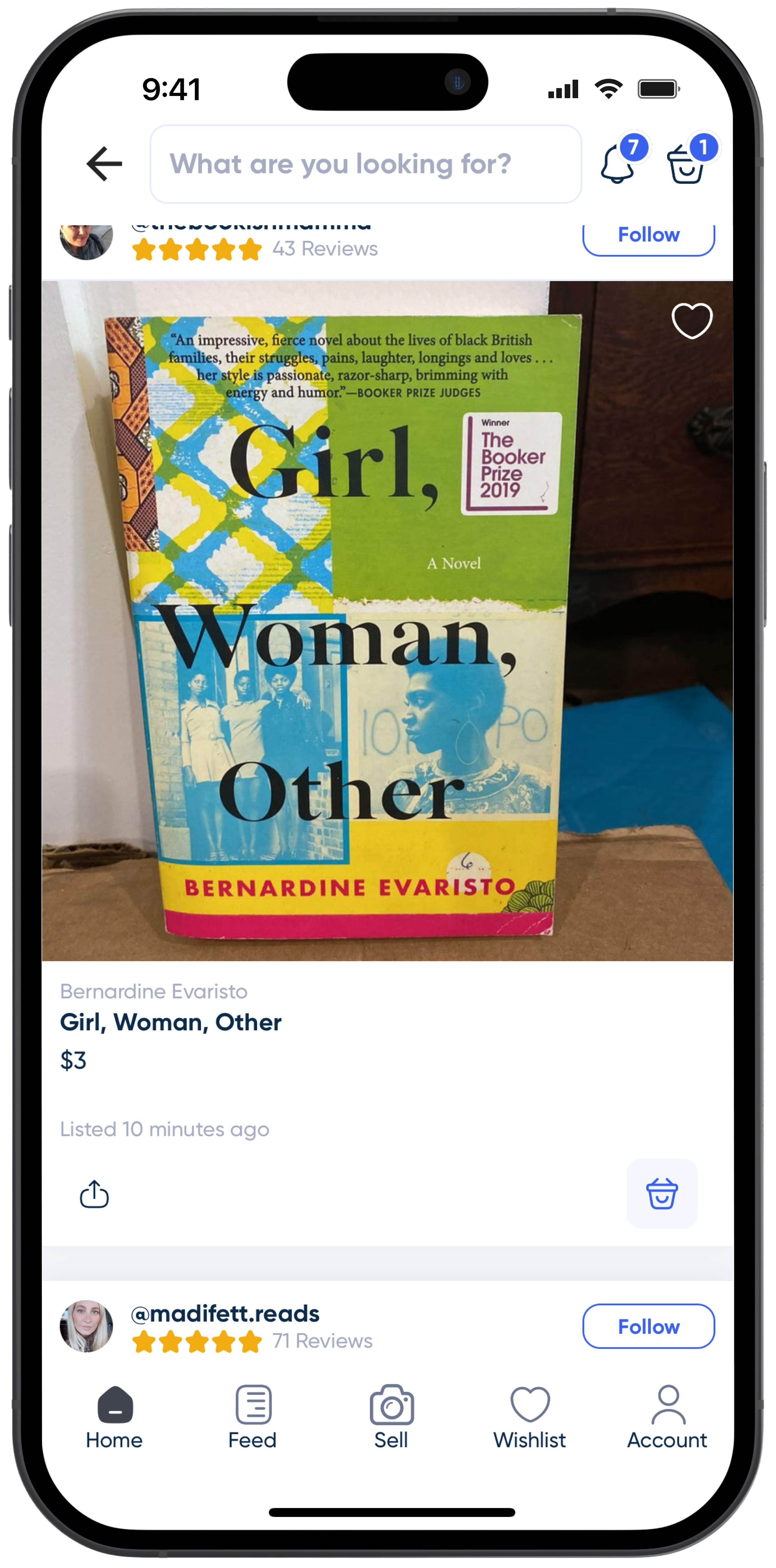
When my book sells
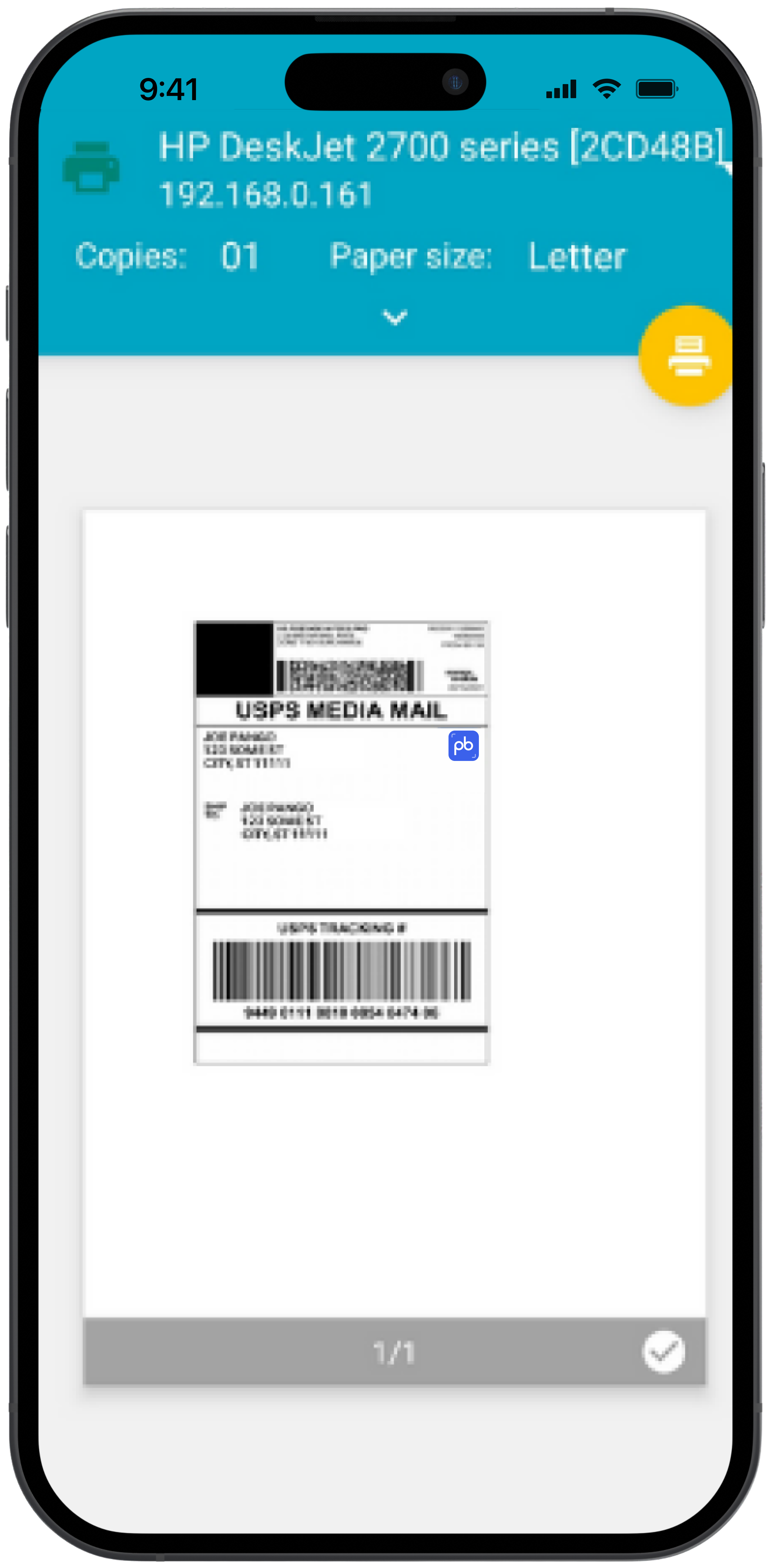
Print the label
When your book sells, you can print a prepaid USPS label directly from the account page of the app or from your email. Print it out and you're ready to ship out your order!
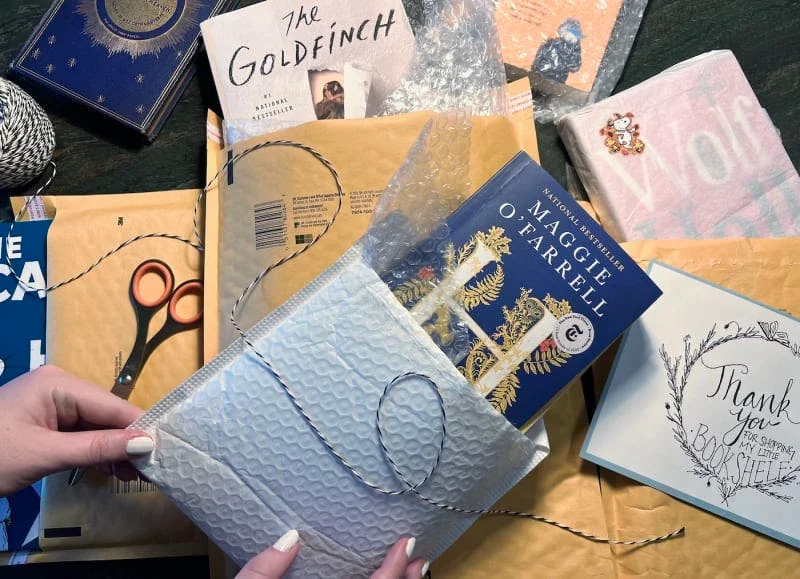
Pack it
You can send your book in a bubble mailer or small box. Be sure to secure your book in paper or bubble wrap to protect its spine and edges.
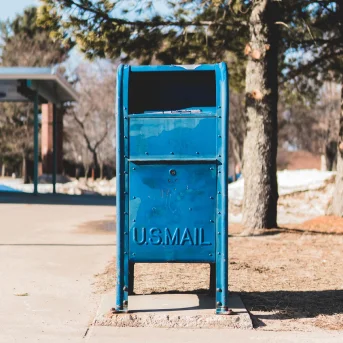
Ship it
Drop the package in a blue mailbox, a post office or any other USPS collection location. You can mark the package as shipped from your account.
Get paid
Once your package has been delivered you can transfer your earnings to a bank or PayPal account from the Earnings page on the app.
PangoBooks charges a 20% sales fee for books that sell on our platform with a minimum fee of $0.40. This fee covers all processing, customer support, and insurance on any order up to $100. If you use your earnings to buy more books, you'll receive a 5% Bucks Back bonus credit on your account!
Questions?
Check out our FAQ page. You can also chat with our support team by visiting our Contact Us page and clicking the chat bubble located in the lower right corner.
Download the app
Buy and sell with the PangoBooks app